
Tesla
Mobile App
June 22, 2025
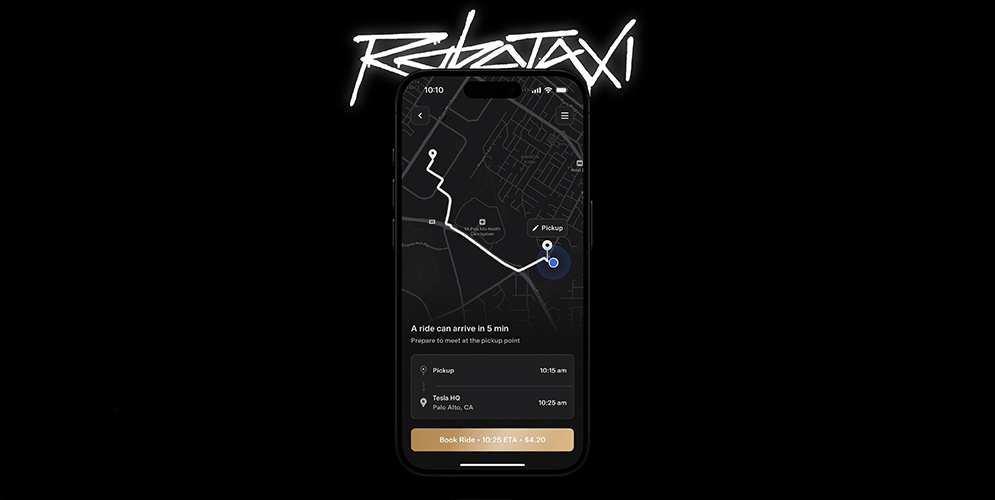
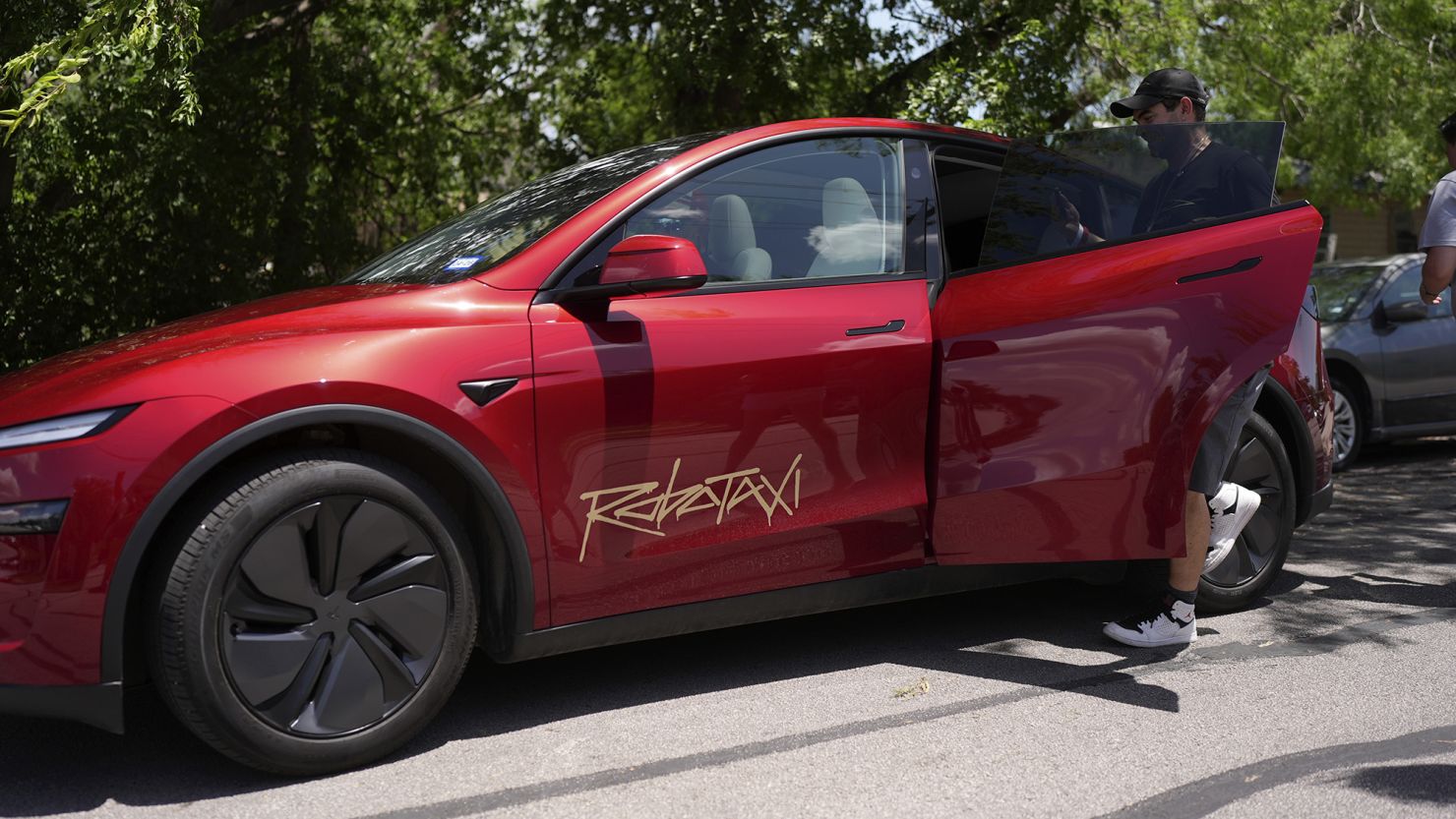
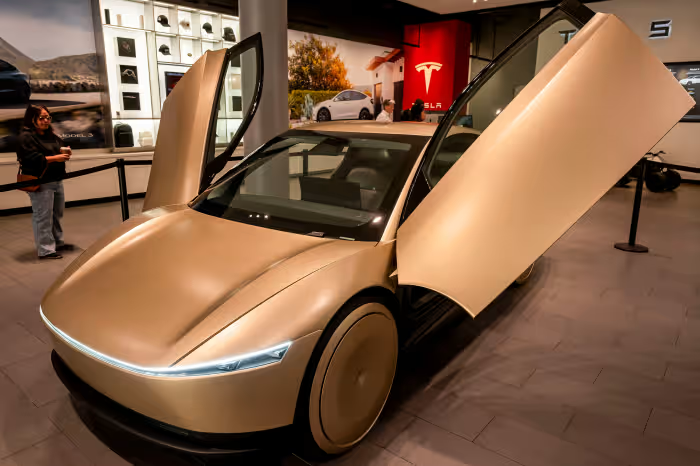
Robotaxi represents the next evolution of autonomous transportation, a fully driverless ride-hailing ecosystem built on real-time AI, clean energy, and seamless user experience. Our role was to translate this future-forward technology into a mobile app that feels effortless, intelligent, and trustworthy from the moment the user opens it.
This was not a typical ride-sharing interface.
This was designing the control center of a self-driving mobility system.
Our mission:
Create an app that makes autonomy feel natural, simple, and emotionally comfortable, without hiding the complexity that powers it.
We approached Robotaxi as a product that needed more than screens.
It needed confidence, clarity, and fluidity.
The user should never feel uncertain, unsafe, or unaware of what the vehicle is doing.
Every design decision was centered around two principles:
The app had to communicate intelligence without overwhelming the user with technical details. It had to feel like a partnership with the vehicle, not a command center.
Before designing any interface, we needed to understand:
We mapped out the emotional journey of a Robotaxi rider:
Each step required its own micro-interactions, motion cues, and UX rules.
The question we kept asking:
What does the user need to feel at this exact moment?
Robotaxi isn’t a normal ride.
There is no driver.
So the app becomes the interface between the user and the vehicle.
We designed the following core systems:
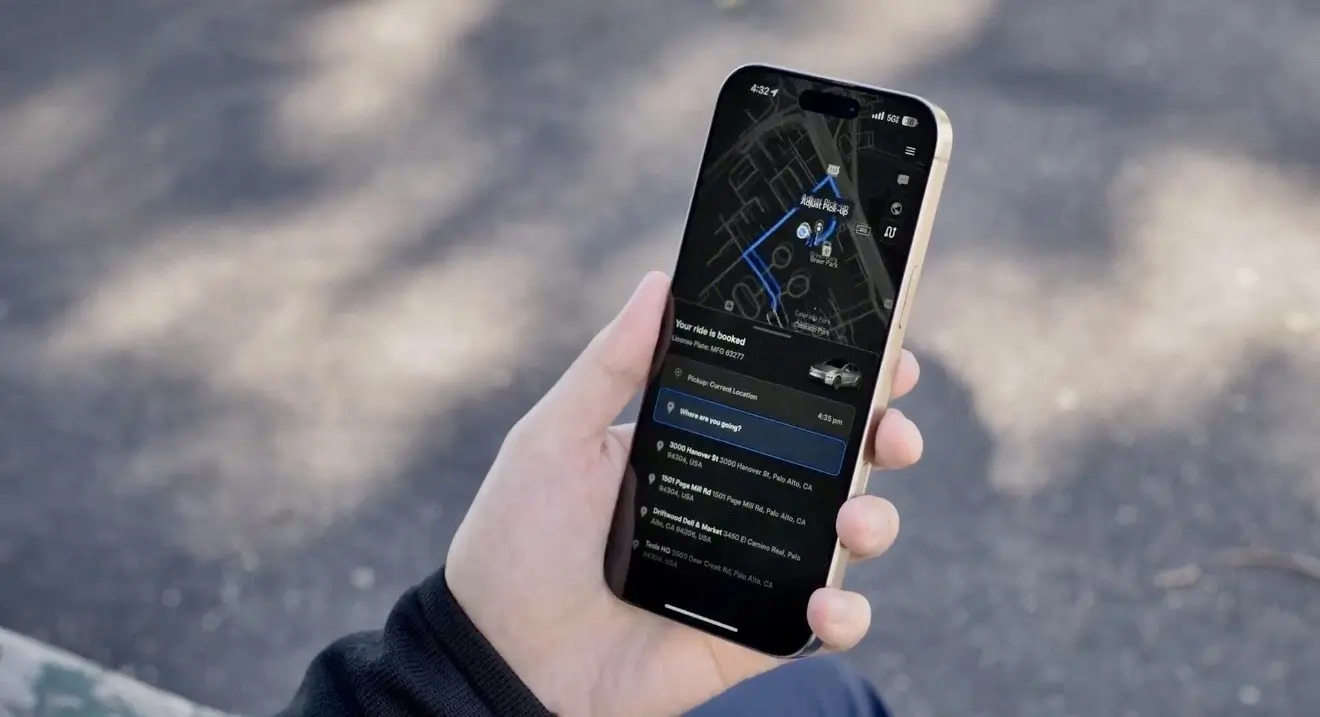
A live 3D map that shows:
The movement needed to feel alive, responsive, and immediate.
Clear micro-states that inform the user:
These are small signals that drastically improve trust.
A minimal interaction:
The experience needed to feel like stepping into the future, not triggering a machine.
Inside the ride, users must feel in control even though the vehicle drives itself.
We built a Ride Command Interface that includes:
Everything is simple, accessible, and visually calm.
The design language avoids anything alarming or mechanical.
The tone is warm, confident, and smooth.
Autonomy should feel relaxing, not technical.
A product like Robotaxi needs a visual system that reflects intelligence and safety.
We crafted:
Clean dark-mode UI
High contrast, elegant minimalism, futuristic clarity.
Soft motion transitions
Animations that mimic the behavior of autonomous driving: smooth accelerations, gentle curves, no abrupt stops.
Color-coded state system
Safe, neutral tones for normal states
Clear accent tones for interactive states
Restrained warnings used only when necessary
Spatial hierarchy
Primary information always visible
Secondary info tucked away
Zero clutter
This creates an emotional layer behind the UX.
Users should feel guided, not managed.
We built advanced prototypes to test:
We refined:
Every pixel and frame was intentional.
The app must work flawlessly in real-time environments:
We designed with scalability in mind:
The app isn’t just a product.
It’s an ecosystem.
The final Robotaxi mobile app provides:
This app shows what modern mobility should feel like:
Simple. Intelligent. Effortless.
It doesn’t just support autonomous driving.
It humanizes it.
© 2025 NUUKE. All Rights Reserved.
Check out
Privacy Policy